Bring your statements. Keep your bank password.
Tally turns the statement files you download from your bank into a sorted budget, using rules you can read. No bank login, ever.Tally turns the statement files you download into a sorted budget. No bank login, ever.
In development. Not in app stores yet.Build receipt, 2026-10-08
Import receipt
- File
- td-chequing.csv
- Layout
- TD Canada Trust
- Rows read
- 162
- New
- 162
- Duplicates skipped
- 0
- Categorized
- 135
- Need a category
- 27
- Currencies in the converter
- 173
- Statement file formats
- 6
- Starter rules for sorting
- 160
- Bank logins, ever
- 0
How does importing a statement work?
You download a statement file from your bank's website and import it. Tally reads it, skips anything already imported and sorts each new row with your rules.
td-chequing.csv
07/04/2026,LCBO #217,23.88,,4896.5907/06/2026,STARBUCKS #4410,5.28,,4891.3107/08/2026,SPOTIFY P1,11.99,,4879.3207/08/2026,STARBUCKS #4410,5.24,,4874.0807/08/2026,AMZN MKTP CA,28.00,,4846.0807/09/2026,ESSO 7721,66.96,,4779.12
As downloaded from the bank: date, description, money out, money in, balance.
Sorted
- Needs a categoryLCBO #217
- −23.88
- Dining & TakeoutSTARBUCKS #4410
- −5.28
- SubscriptionsSPOTIFY P1
- −11.99
- Dining & TakeoutSTARBUCKS #4410
- −5.24
- ShoppingAMZN MKTP CA
- −28.00
- TransportESSO 7721
- −66.96
5 sorted · 1 waiting for you
Download a statement
Sign in to your bank's website as usual and download your transactions as a file.
Import the file
On the web or in the Android app. Tally looks inside the file to work out its format.
Your rules sort it
Lowest number first, and the first match wins. Rows already imported are skipped.
What do you get once your statements are in?
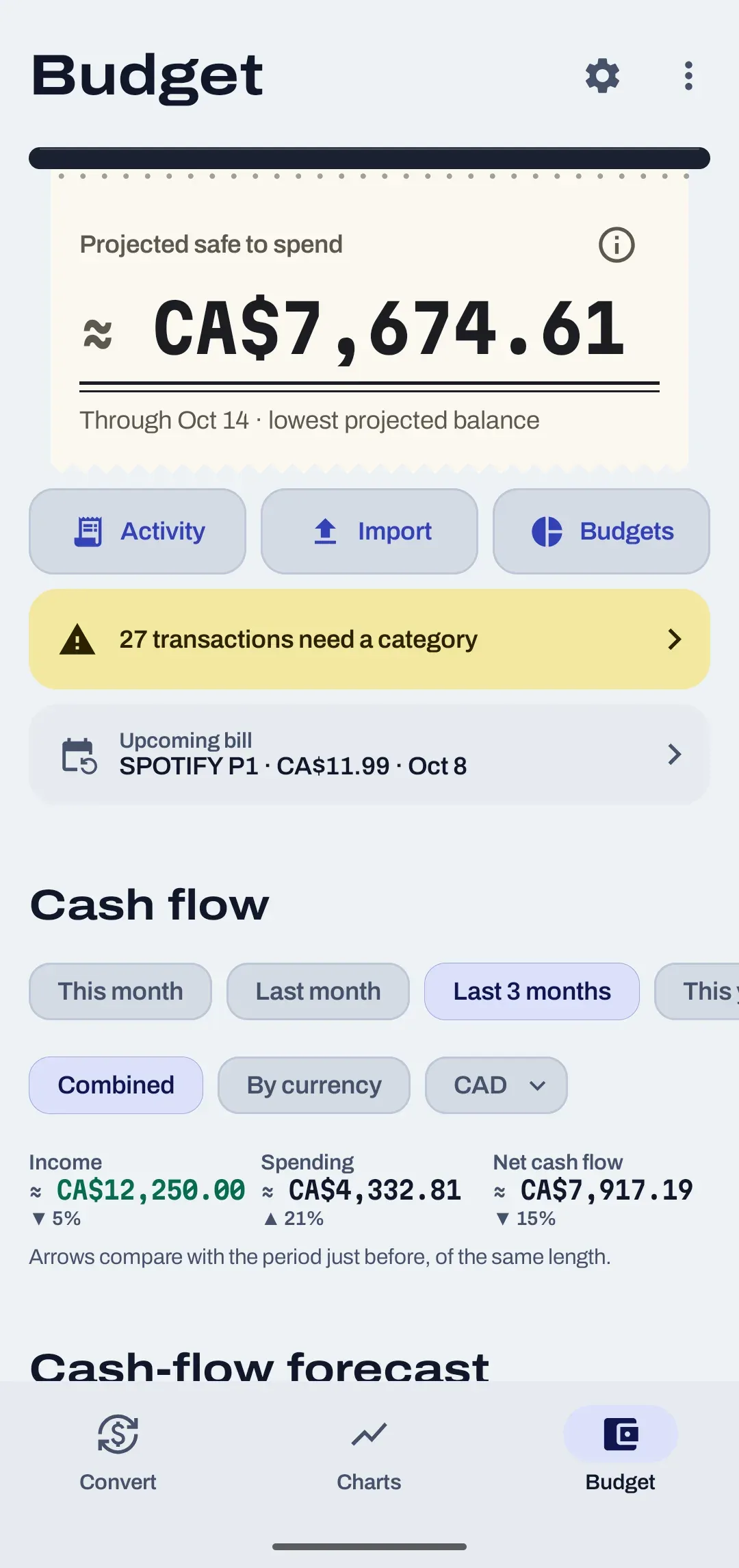
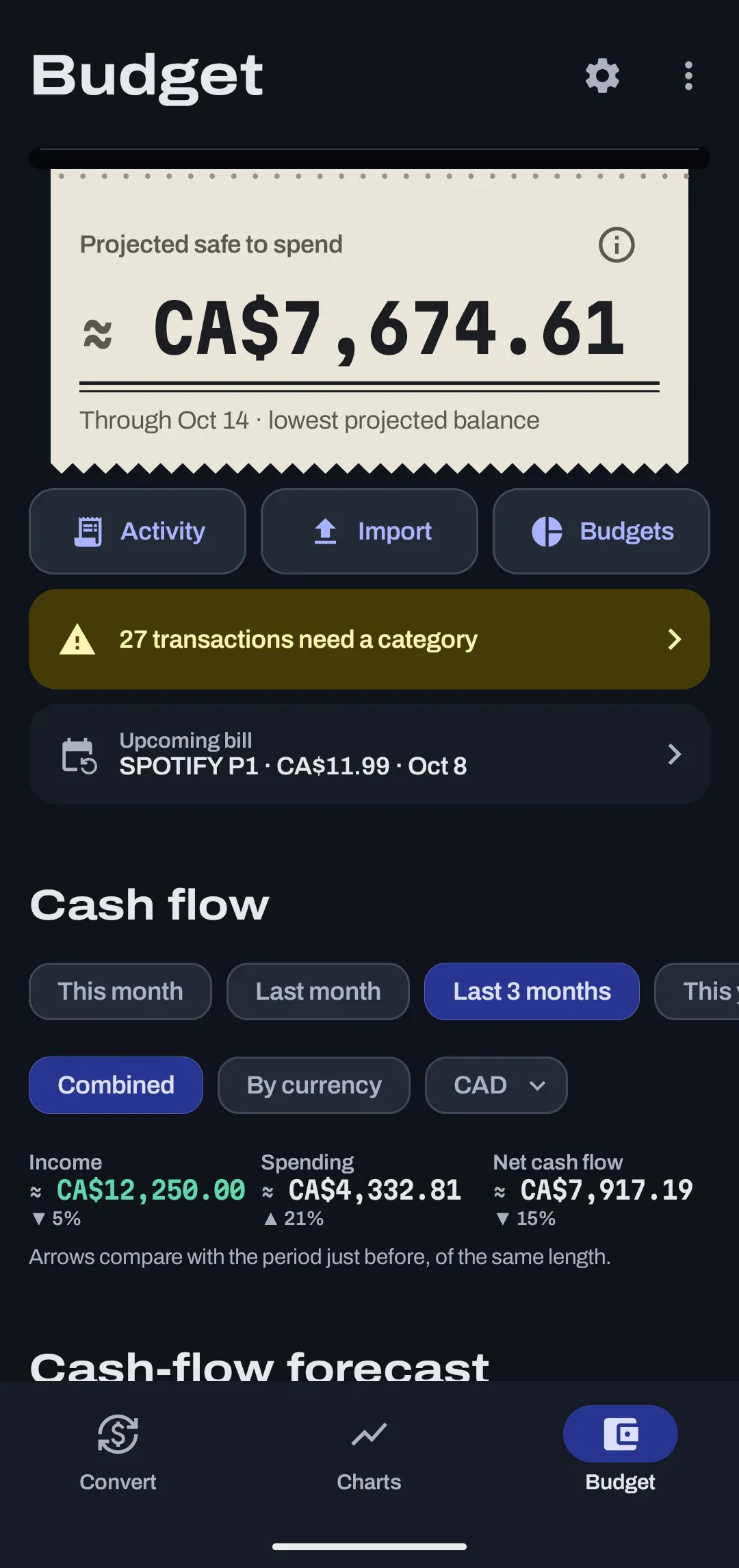
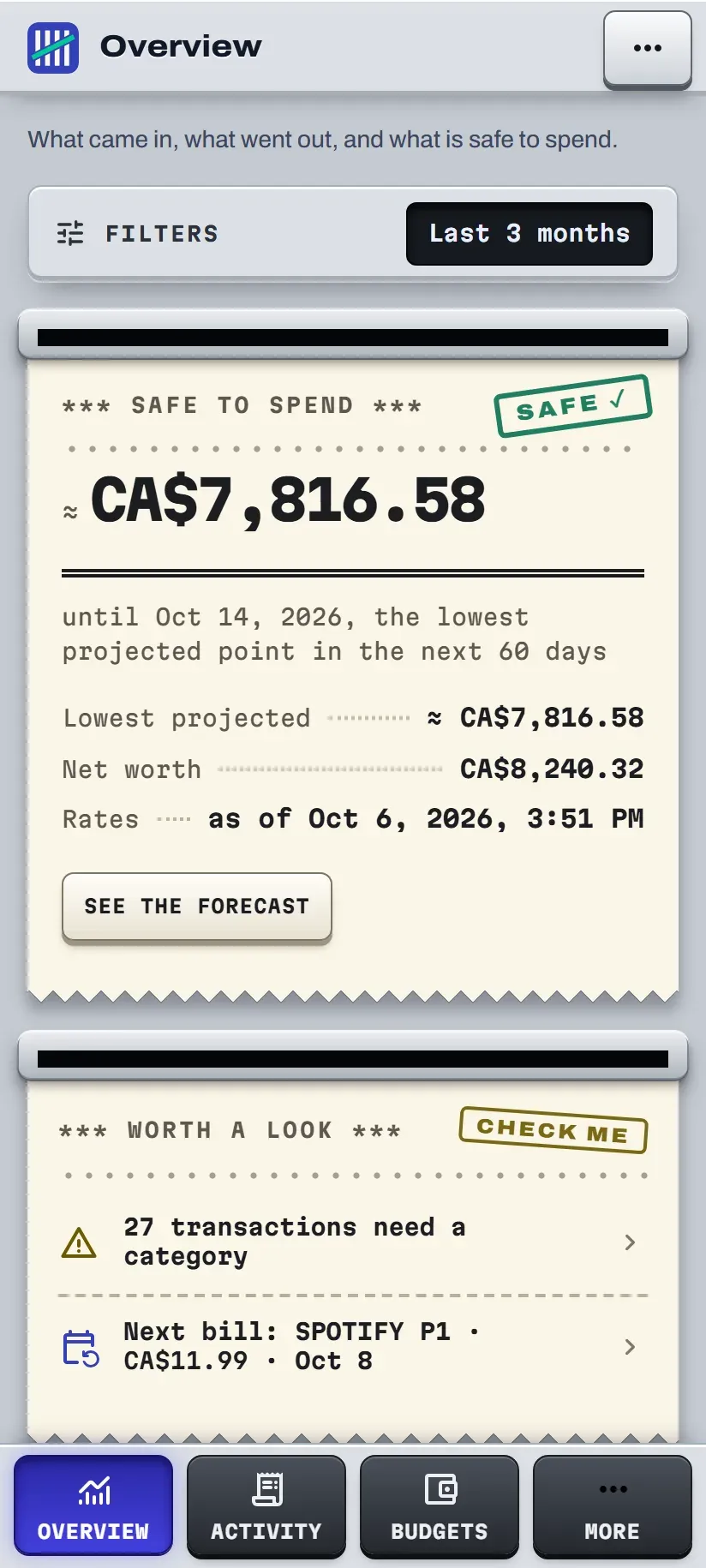
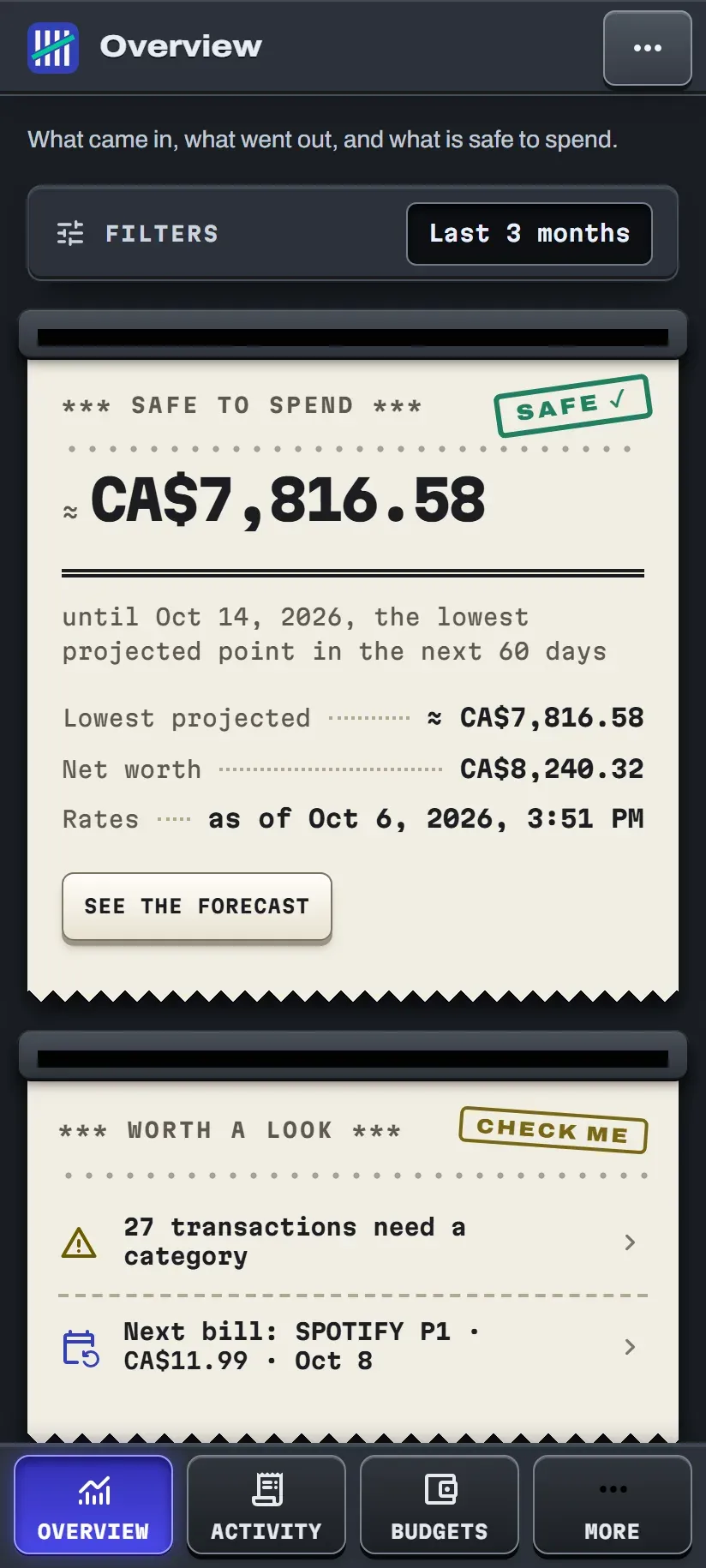
A budget that updates from your own files: what is safe to spend, monthly budgets that roll over, and every row sorted by rules you can read.
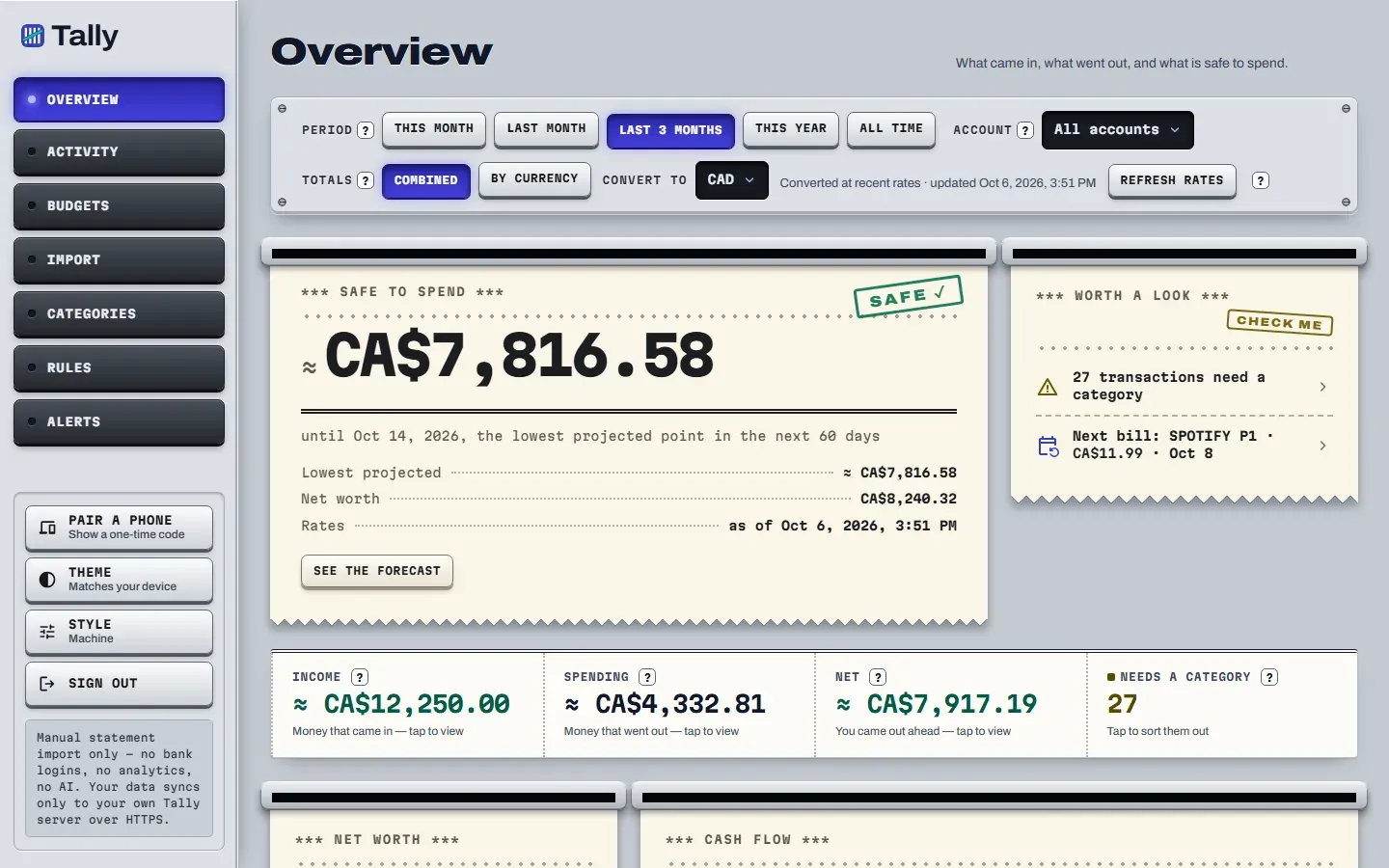
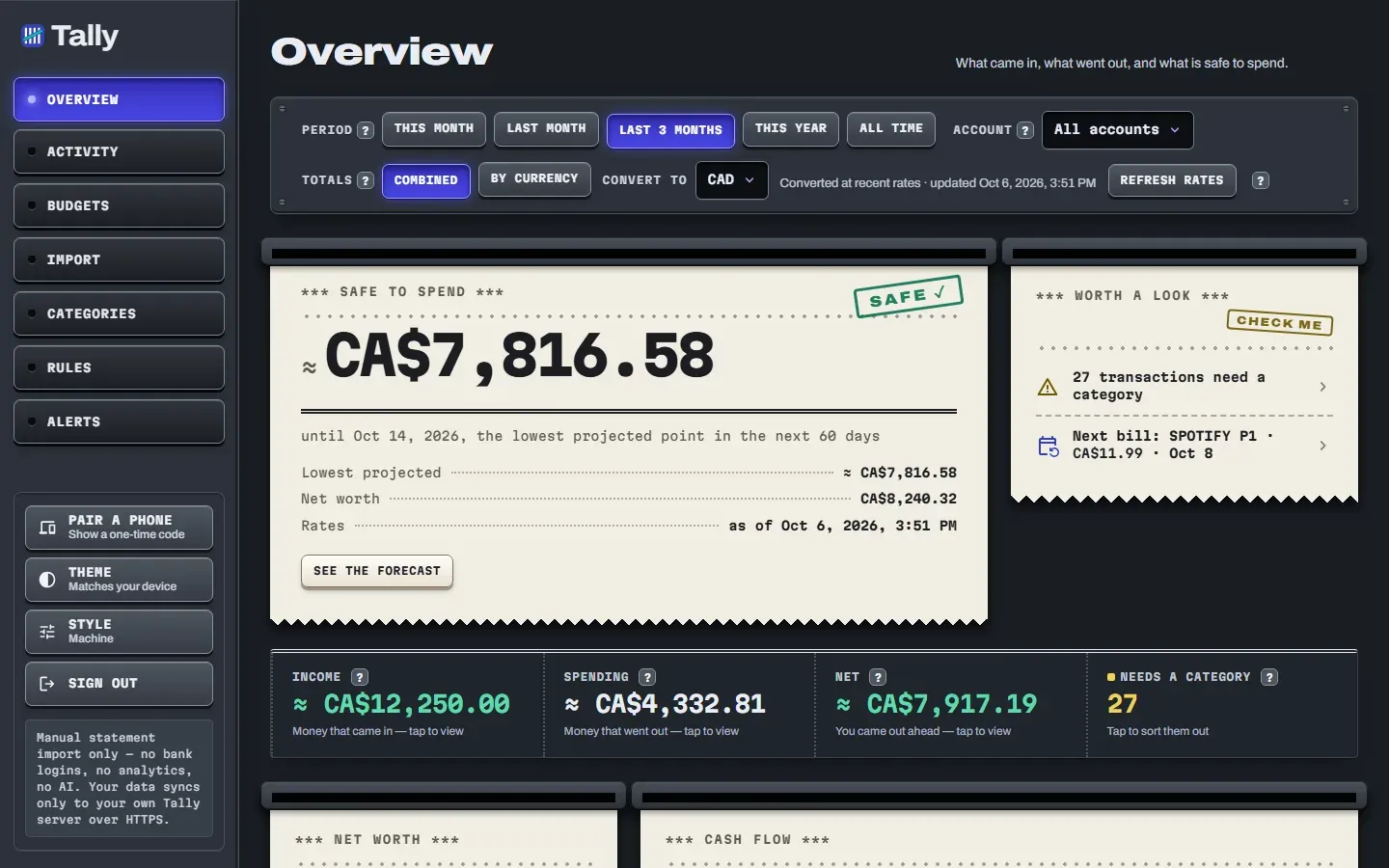
Safe to spend
The lowest your cash accounts are projected to reach over the next 60 days, labelled as a projection.
How it is worked out60 daysBudgets that carry over
A monthly target per category. With rollover on, what you did not spend, or overspent, moves into next month.
How rollover worksRolloverRules you can read
No black box. When no rule matches, it copies the category you gave that merchant last time.
How rules sort rows160 rules
- Several currencies? Each one keeps its own account.Budgeting across currencies
- Just converting? The converter needs no account.The converter
What does Tally never do?
It never connects to your bank, and it has no analytics, no ads and no AI.
Never, by design
- Bank logins, direct or through Plaid
- 0
- Analytics or tracking code
- 0
- Ads
- 0
- AI
- 0
Categories come from rules you can read. These are rules the product is built around, not settings.
What does go online?
| What | Where it goes |
|---|---|
| Your budget | Your transactions, categories and budgets sync to the Tally server over HTTPS. |
| Exchange rates | The converter asks free public rate services for the latest rates. It sends no account details, because it has none. |
| Reminders | Web only and off unless you switch them on. They go through your browser maker's push service. |
Where does Tally run today?
On Android and in a web browser, with an early Windows demo. There is no iPhone app.
Android
in testingAndroid 10 or newer. A private download for now; not on Google Play.
Web
private for nowPhone or desktop browser, and it can be added to your home screen.
Windows
demo onlyAn early test window with sample numbers. Not a usable app yet.
iPhone, iPad
not builtThere is no iOS app.
What do people usually ask?
Does Tally connect to my bank?
No. Tally never asks for your bank login and never connects to your bank, directly or through a service such as Plaid. You download a statement file from your bank's website and import it yourself.
Which statement files can I import?
CSV files from Wise and TD Canada Trust, OFX, QFX and QBO files, QIF files and text-based PDF statements. Each file can be up to 20 MB, and you can import up to 50 files at once.
What happens if I import the same statement twice?
Nothing is counted twice. Every row gets a fingerprint, and rows that are already in your budget are skipped as duplicates. Two identical rows inside the same file are both kept.
Where is my budget data kept?
Your budget data syncs to the Tally server over HTTPS. The currency converter needs no account and does not use the Tally server; it fetches exchange rates from free public rate services.
Can I start using Tally now?
Not yet. Tally is in development: there is no public sign-up, no price has been set and the Android app is not on Google Play. This site explains what it does today.
Want the details on importing?
Tally is in development, with no sign-up yet. The import page shows which files work, how duplicates are caught and why some PDF rows are skipped.