Money in more than one currency, without adding apples to pesos.
Tally keeps each currency in its own account and only converts when you ask. Converted totals are marked, and anything it cannot convert is counted, not hidden.
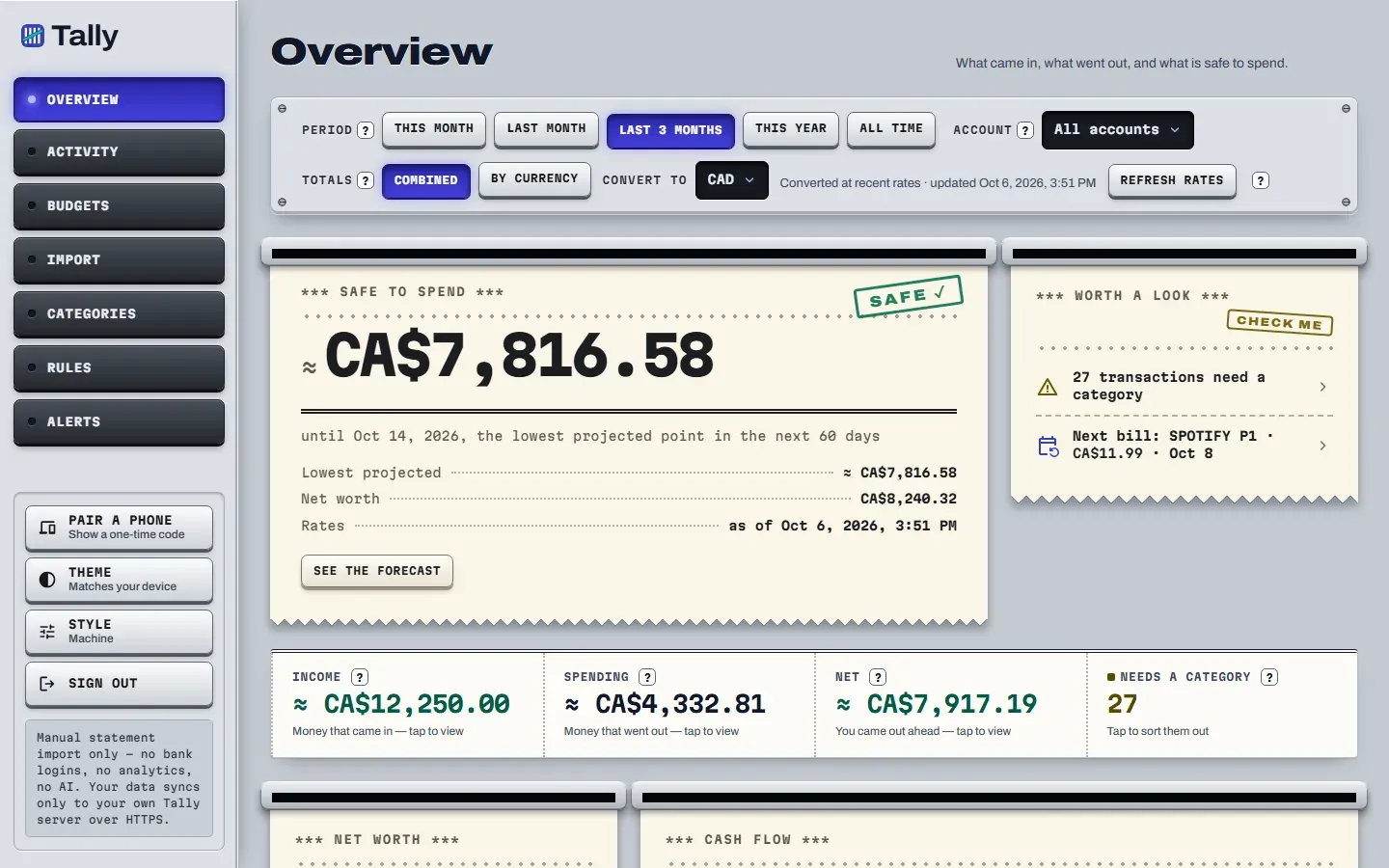
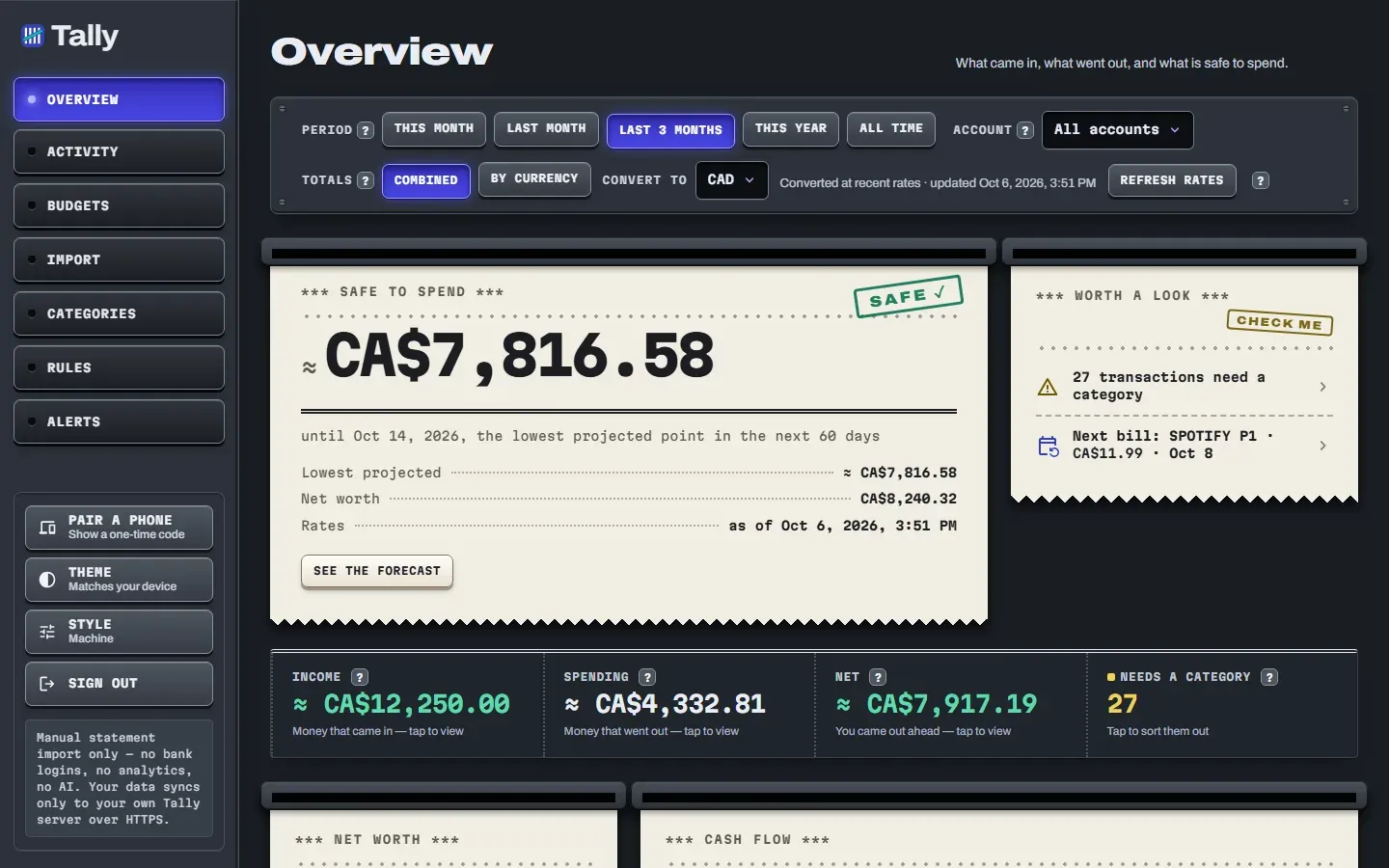
How are accounts kept apart?
One account per currency. A file from a bank that holds several currencies is split when you import it.
- A Wise multi-currency file becomes one account per currency, such as Wise (CAD), Wise (USD) and Wise (MXN).
- Each account holds one currency, so a peso balance is never mixed into a dollar one.
- Importing works the same as ever. See which files are read.
- Wise (CAD)CAD
- Wise (USD)USD
- Wise (MXN)MXN
Example account names. Each account holds one currency.
What is the difference between By currency and Combined?
By currency shows each currency exactly, to the cent. Combined converts everything into the one currency you pick and marks every converted figure with ≈.
By currency
- CAD
- 1,240.00
- USD
- 310.00
- MXN
- 2,450.00
- JPY
- 48,000
Combined, in CAD
- Wise (CAD)
- 1,240.00
- Wise (USD)
- 310.00 USD
- Wise (MXN)
- 2,450.00 MXN
- Wise (JPY)
- no rate
- Total in CAD
- about CA$1,846.14
JPY is left out until it has a rate.
What if a currency has no exchange rate?
Its rows are left out of the combined total, and a notice on the Overview says how many rows were left out and which currencies they are in.
| Situation | What Tally does |
|---|---|
| A currency has no rate | Leaves those rows out of the combined total and counts them in a visible notice. |
| A figure was converted | Marks it with ≈. |
| Only default rates are in use | Shows Rates: estimated. |
| A transaction has no rate for the forecast | Holds the forecast back rather than showing a wrong one. |
Where do budget exchange rates come from?
From Frankfurter, a free public exchange-rate service. Tally asks for them when you tap Refresh rates or change your home currency in Combined view.
The server sends only currency codes, never your transactions or names. The full list of outside connections is on the privacy page. The converter in the Android app is separate: it works with no account, and you can read about it on the currency page.
What else do people ask about multiple currencies?
What does the ≈ sign mean?
It means the figure was converted from other currencies, so it is an estimate. Exact single-currency figures never carry it.
What happens if a currency has no exchange rate?
Its rows are left out of the combined total, and a visible notice tells you how many rows and which currencies. Nothing is guessed. If a transaction has no rate, the cash-flow forecast is held back too.
Can I import a Wise file that has several currencies?
Yes. A Wise multi-currency file becomes one account per currency, such as Wise (CAD) and Wise (USD).
Where do the budget exchange rates come from?
From Frankfurter, a free public rate service, when you tap Refresh rates or change your home currency in Combined view. There is no scheduled refresh on the server.
Does Tally use the rate from the day I spent the money?
Budget totals convert using exchange rates, and the Overview says when rates are estimated. Tally does not promise the rate from the day of each purchase.
Pesos, dollars and yen, each in their place.
Tally is in development and not open for sign-ups yet. Here is how the converter that sits next to the budget works.