Bring a statement file. Tally does the sorting.
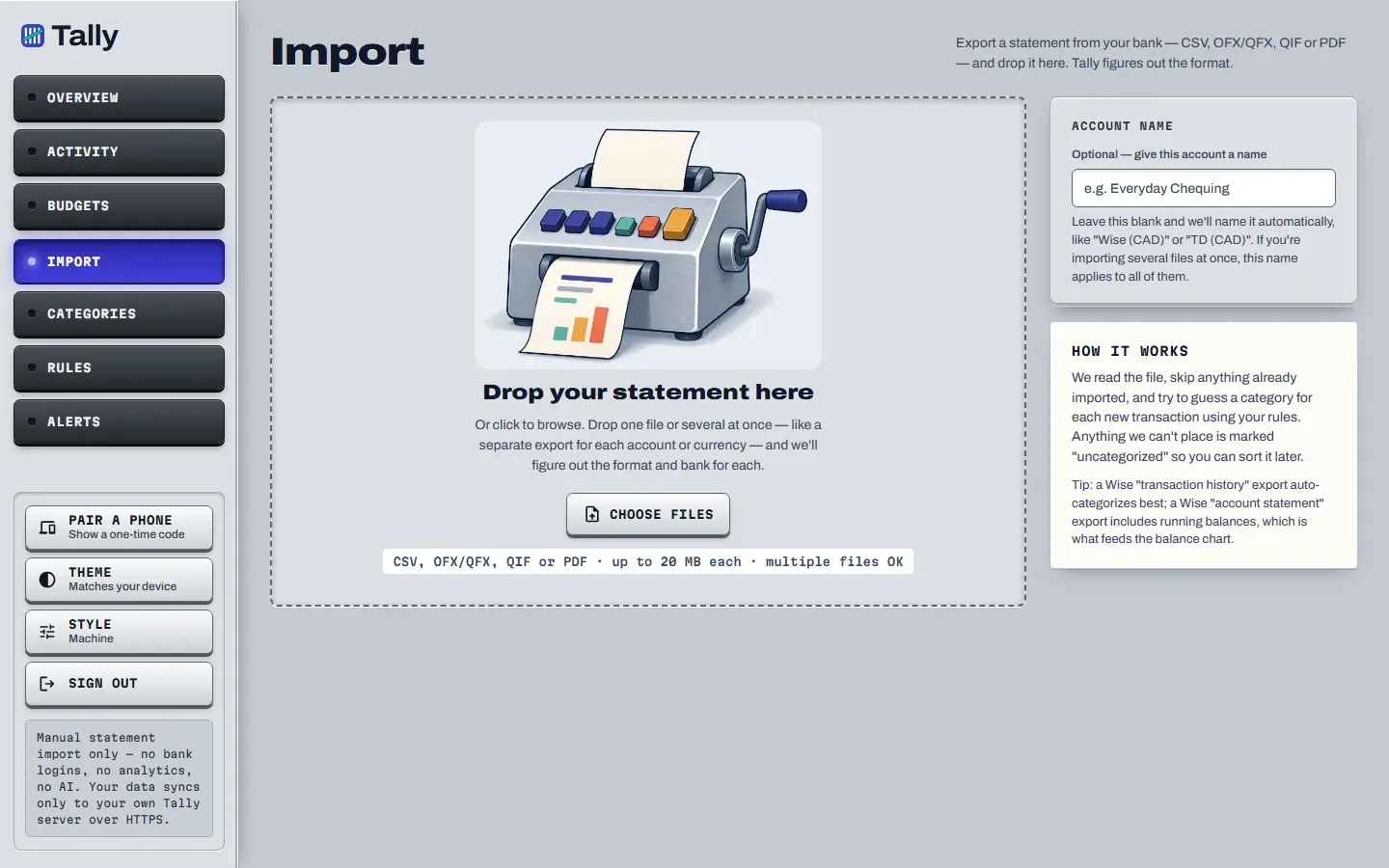
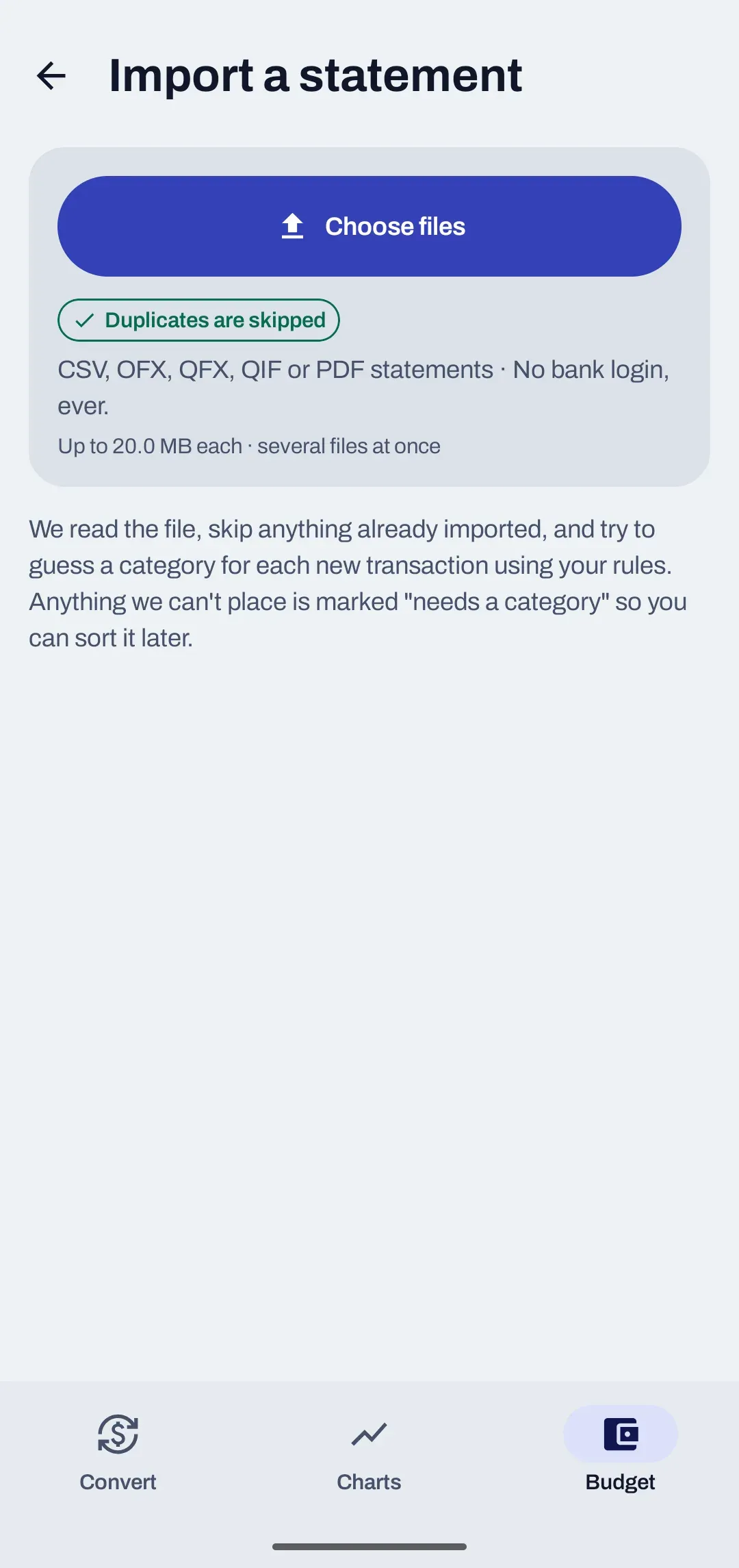
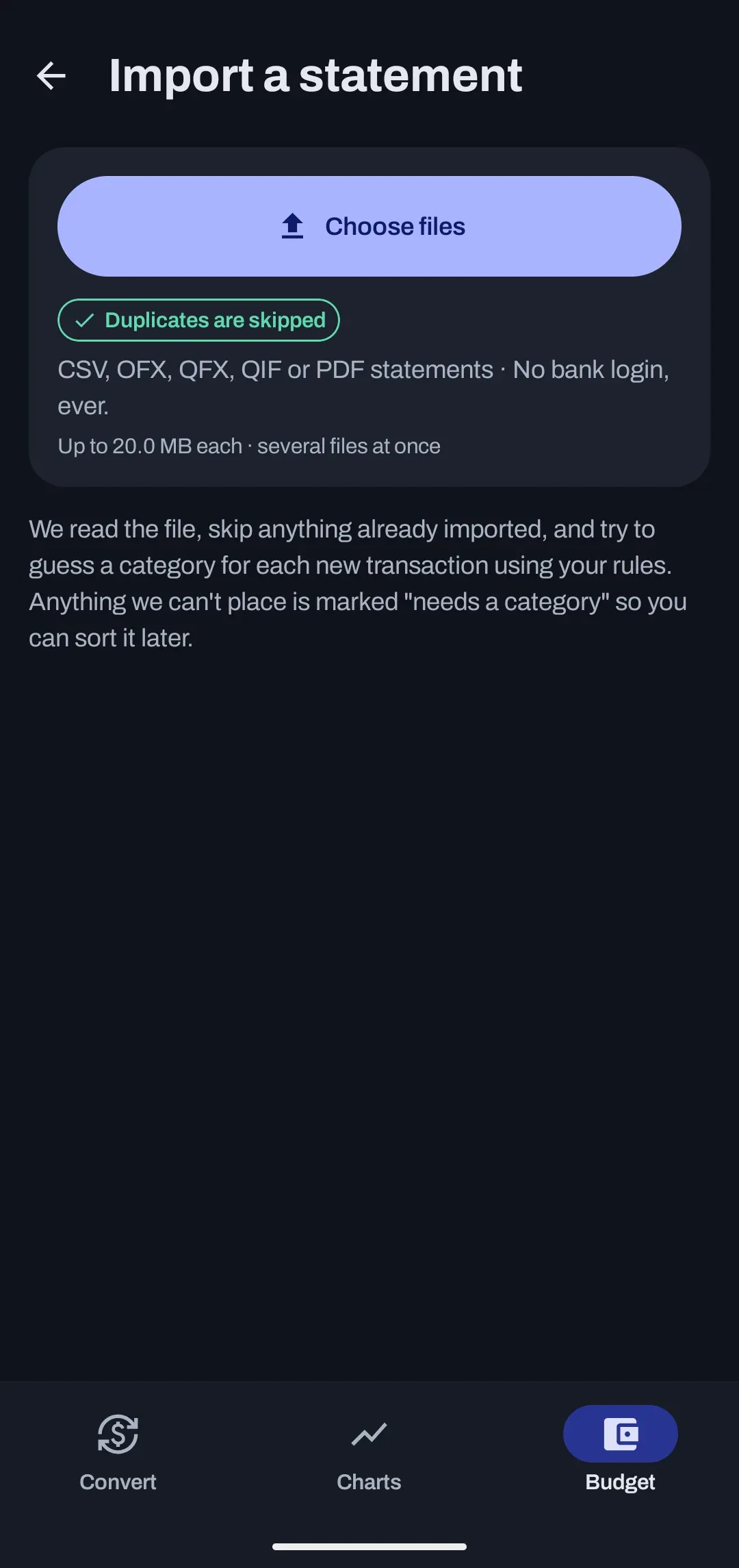
Download a statement from your bank, import it on the web or on Android, and every row is checked for duplicates and sorted by your rules. Six file types work today.
Which statement files can you import?
CSV files from Wise and TD Canada Trust, OFX, QFX and QBO files, QIF files and text-based PDF statements. Each file can be up to 20 MB, and you can import up to 50 at once.
- CSVWise and TD Canada Trust layouts
- OFXVersions 1 and 2
- QFXThe Quicken flavour of OFX
- QBOThe QuickBooks flavour of OFX
- QIFThe older Quicken format
- PDFText-based statements only
| Format | What it is | What to know |
|---|---|---|
| CSV | A spreadsheet-style export | Wise transaction history, Wise account statement (including its US date layout) and the TD Canada Trust download with 5 columns and no header row. |
| OFX | A standard bank download | Both the older text version and the newer XML version are read. |
| QFX, QBO | OFX files made for Quicken and QuickBooks | Read the same way as OFX. |
| QIF | The older Quicken format | Recognized by its !Type or !Account line. |
| A text-based statement | The text must be real text, not a scan. This is the newest format and has been tested on a small sample statement so far. |
How does Tally know which format a file is?
It looks inside the file, not at its name. The checks run in this order, and the first one that fits decides.
| Order | If the file | It is read as |
|---|---|---|
| 1 | has an OFX header | OFX, QFX or QBO |
| 2 | has a !Type or !Account line | QIF |
| 3 | starts with the PDF marker | |
| 4 | is anything else | CSV, trying the Wise layouts first, then TD |
| 5 | fits none of these | Not imported. You get a clear message that names the formats it accepts. |
How are duplicates caught?
Every row gets a fingerprint, and a row whose fingerprint is already saved is skipped. Import the same file twice and nothing is counted twice.
- If the bank gives a row its own ID, as Wise does, that ID is the fingerprint.
- Otherwise the fingerprint is made from the date, description, amount and running balance.
- Two rows that really are identical inside the same file are both kept, because a counter tells them apart.
- The fingerprint does not depend on what you named the account, so renaming an account does not undo it.
Same file, imported twice
- 1st import, new
- 162
- 1st import, skipped
- 0
- 2nd import, new
- 0
- 2nd import, skipped
- 162
- Counted twice
- 0
What is the PDF sign rule?
A PDF row is imported only when its amount shows which way the money went. A bare number is skipped and reported, never guessed.
| As printed | Read as |
|---|---|
| -42.10 | Money out |
| 42.10- | Money out |
| (42.10) | Money out |
| 42.10 DR | Money out |
| 42.10 CR | Money in |
| 2,500.00 | Skipped and listed, because it could be either |
Why skip instead of guess?
In a statement turned into plain text, a number with no sign could be a deposit or a withdrawal. Guessing wrong would put a backwards row into your budget, and fixing it later would leave a second copy behind. So Tally skips the row and tells you about it.
PDF import reads text-based PDFs only. There is no scanning of images, so a scanned statement finds no transactions.
What do you see after an import?
A short result for each file: how many rows were new, how many were skipped as duplicates and how many still need a category.
New rows run through your rules straight away, lowest number first, and the first rule that matches picks the category. When no rule matches, Tally copies the category you gave the same merchant before. Anything left over is marked as needing a category, so you can sort it later.
Imports that include running balances, such as a TD download, a Wise account statement or an OFX file, also give the budget a starting balance for safe to spend and the forecast.
Import receipt
- File
- td-chequing.csv
- New
- 162
- Duplicates skipped
- 0
- Need a category
- 27
What else do people ask about importing?
Can I import a scanned PDF?
No. Tally reads the text inside a PDF and does not scan images, so a scanned or image-only PDF finds no transactions. If your bank offers a CSV, OFX, QFX or QIF download, use that instead.
Can I import several files at once?
Yes. You can choose up to 50 files at once, each up to 20 MB. A separate export for each account or currency works well.
My bank is not Wise or TD. Can I still import its CSV?
Not yet. CSV import understands the Wise and TD Canada Trust layouts today. If your bank offers an OFX, QFX, QBO or QIF download, try that: Tally reads those formats by their standard structure, not by bank.
Can I import on my phone without a connection?
On Android you can queue an import while you are offline. The rows upload and get sorted once you are back online.
Does importing change anything at my bank?
No. Tally only reads a file you already downloaded. It never contacts your bank.
Your bank login stays yours.
Tally is in development and not open for sign-ups yet. See what the budget does with your rows, or read where your data goes.